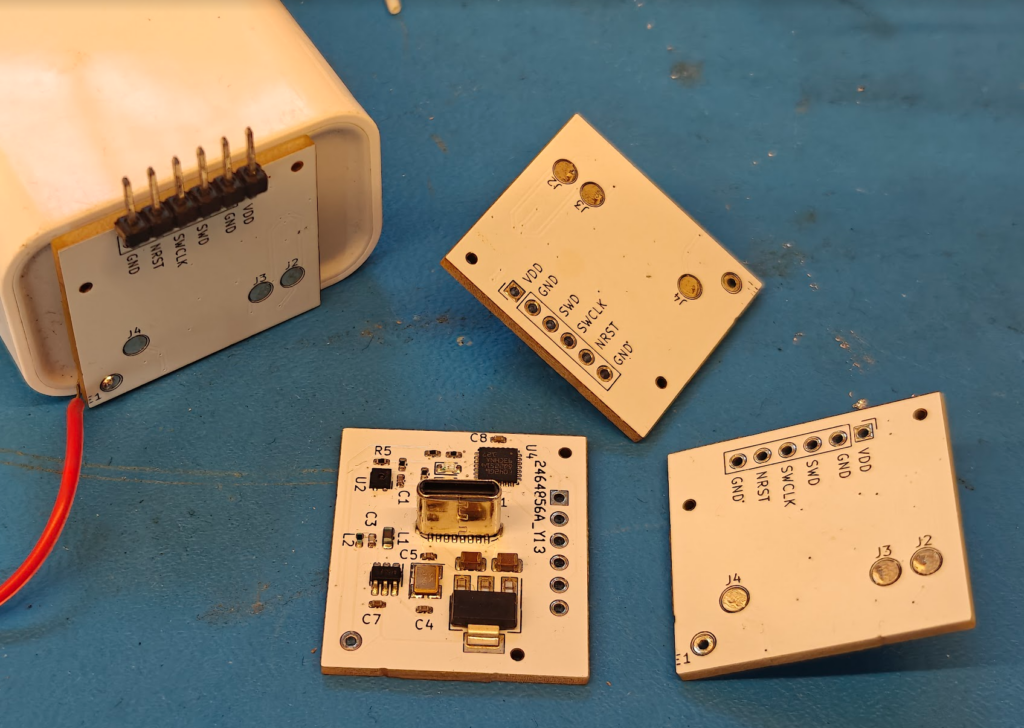
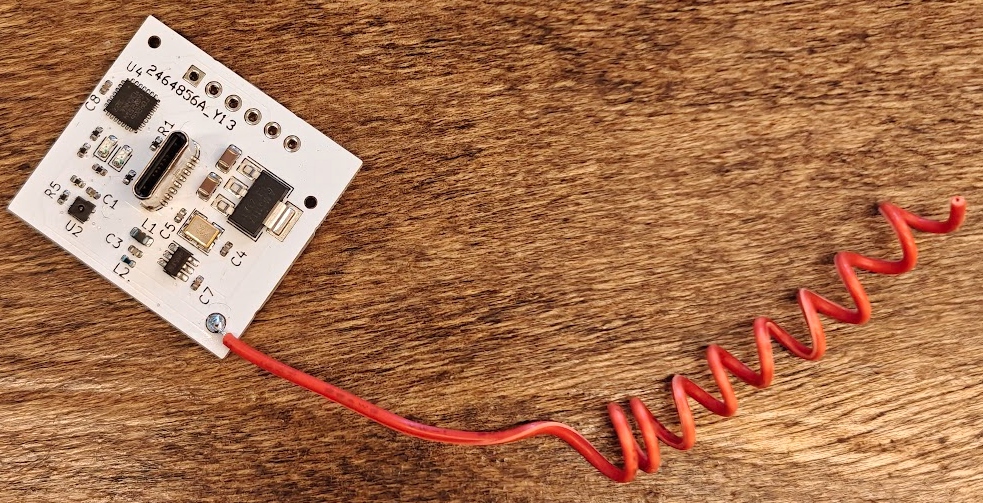
I have several TP-Link / Kasa smart home products, including a few model EP10 smart plugs and wall switches like the H100 and HS220.
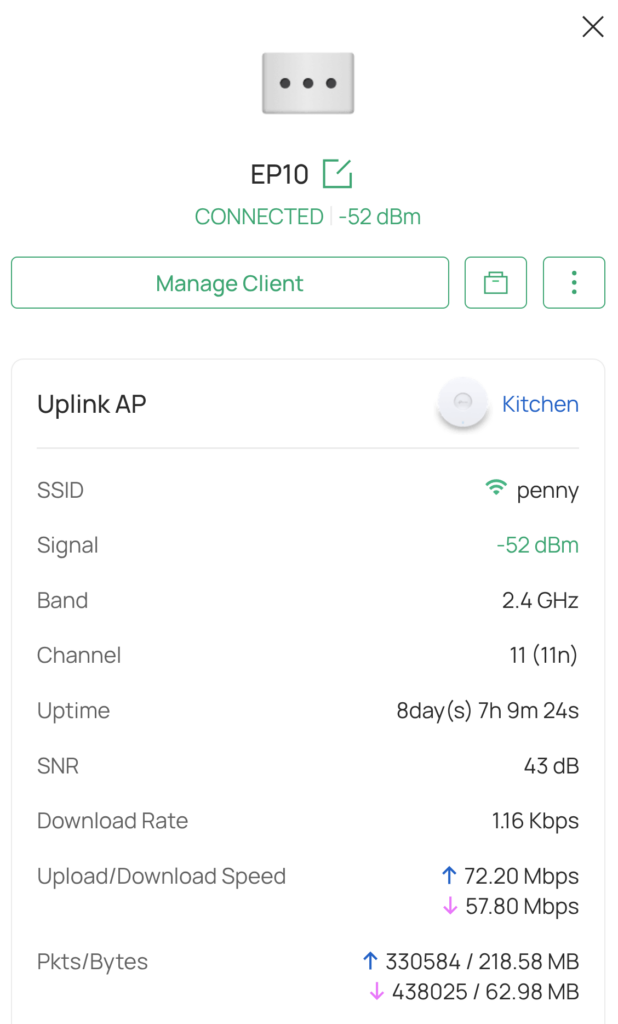
I’ve noticed the devices using a prodigious amount of data over the internet which I found quite odd. Afterall, it’s a switch, what could it possibly be doing sending 218 MB and receiving 63 MB over 8 days?
I decided to try to figure this out, so I setup a debian machine (a VM within Proxmox) as a NAT router, and installed Wireshark so I can spy on the device. There are other ways of doing this but this is the method I thought would be the easiest.
I have a local Omada controller so I was able to spin up a new WLAN SSID (called iot) and have it point to the new Wireshark VM via a new VLAN(10).
So anything that connects to the iot SSID will now be filtered through my debian VM, and subsequently Wireshark will be able to see it.
What did I find?
Well I found a huge bot net!
No.. I thought it might be that, but it was much less exciting.
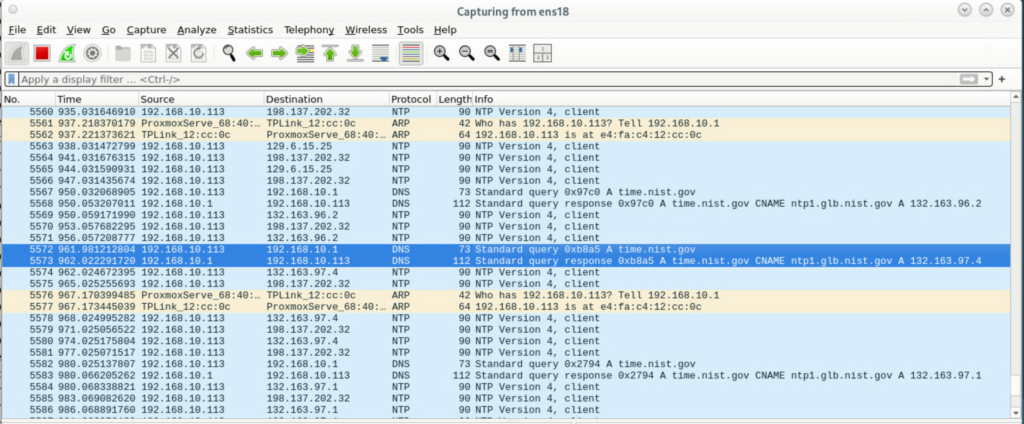
The Kasa devices are spamming the NTP server pools: time.nist.gov and pool.ntp.org. I believe these services have blocked the Kasa devices, and they are repeatedly looking up those names via DNS, trying to contact them, and just going nuts doing that over and over. (see screenshots). You can see that the client devices (192.168.10.11) is trying to contact the server (whose IP varies, but for example is: 198.137.202.32 – but it never replies!
The Fix (Sort of)
I had already setup dnsmasq on my debian VM to act as the DHCP server for my test VLAN and also the DNS resolver/forwarder. So I added a few lines to the dnsmasq.conf to make time.nist.gov and pool.ntp.org resolve to my own VM.
address=/time.nist.gov/192.168.10.1
address=/pool.ntp.org/192.168.10.1
You can see from the log file that dnsmasq is telling my EP10 plug (192.168.10.113) to hassle the NTP server at my local server now (192.168.10.1)
Jan 15 11:16:01 deborah dnsmasq[9334]: query[A] time.nist.gov from 192.168.10.113
Jan 15 11:16:01 deborah dnsmasq[9334]: config time.nist.gov is 192.168.10.1
And in Wireshark:
5635	2026-01-15 11:16:01.375559605	192.168.10.113	192.168.10.1	DNS	73	Standard query 0x089a A time.nist.gov
5636	2026-01-15 11:16:01.375714667	192.168.10.1	192.168.10.113	DNS	89	Standard query response 0x089a A time.nist.gov A 192.168.10.1
5637	2026-01-15 11:16:01.377797273	192.168.10.113	192.168.10.1	NTP	90	NTP Version 4, client
5638	2026-01-15 11:16:01.377842157	192.168.10.1	192.168.10.113	NTP	90	NTP Version 4, server
I setup chrony to be the NTP server on my local VM (aka “deborah”). I installed chrony with apt and then just had to add the following line to /etc/chrony/chrony.conf:
allow 192.168.10.0/24The EP10 client took the diversion, queried my local server, and the server replied:
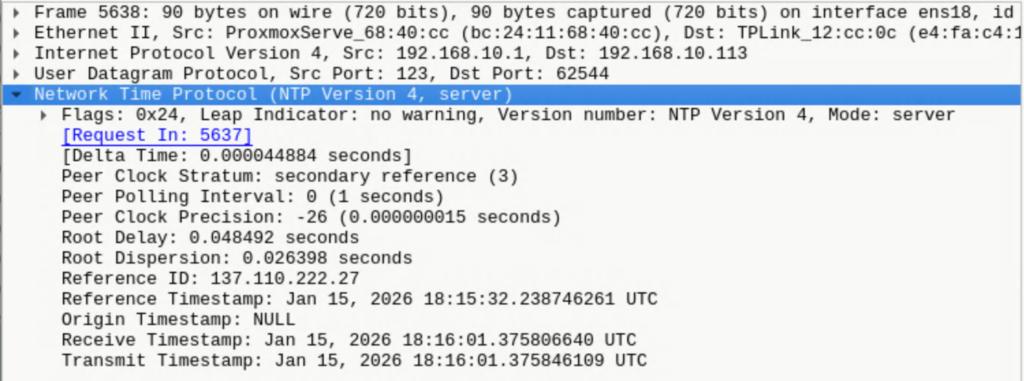
After the server replied, the EP10 stopped repeatedly trying to query it and stopped looking up time.nist.gov / pool.ntp.org
The device is no longer continuously sending packets, and so far the only internet connections I have seen are to tplinkcloud.com, which is less worrisome than I think many of us imagined.
Conclusion
I’m not the only person to complain about Kasa devices using a stupid amount of data for no reason. I’m not a network engineer but I’ve done some work almost 20 years ago with Wireshark — capturing USB traffic when debugging a homemade USB device in Windows 2000. I decided to dig in and try to figure this out.
The fix: creating your own NTP server and setting up your own DNS forwarder is a little overkill for the layperson: I think many well-featured home routers have these options. I use TP-Link Omada (yes I see the irony!) but I think Ubiquiti and OpenWRT / DD-WRT etc. would give you the same capability.